sqview User Guide
sqview is a keyboard-first terminal application for browsing and editing SQLite databases. Open tables in tabs, narrow results with filters, follow foreign keys, inspect records, and export the rows you need.
The GitHub repository is named sqv; the installed command and Debian package are named sqview.
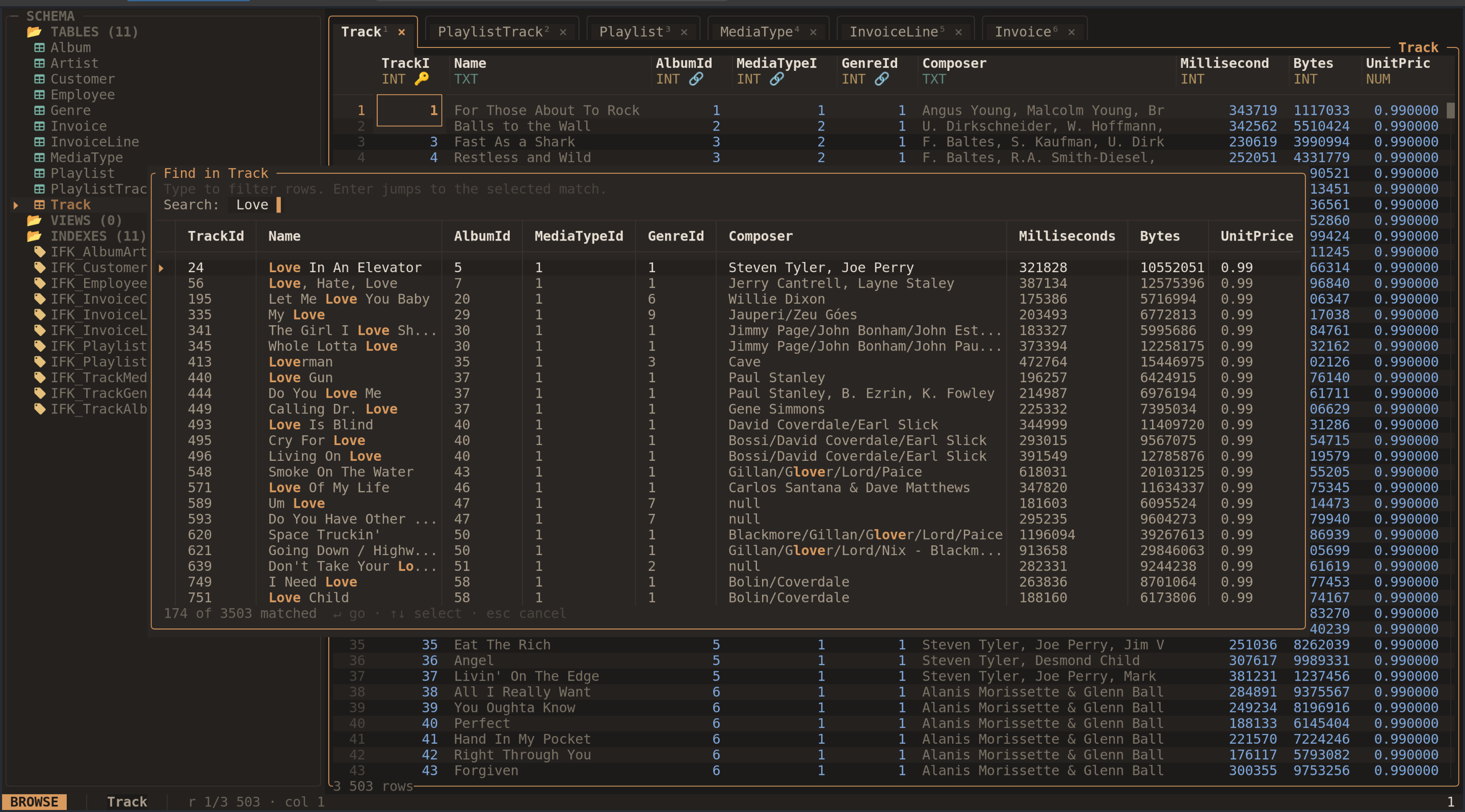
Find in table shows matching rows while keeping your database workspace open. Select the screenshot to view it at full size. The screenshots are from the project README and show a sample music-store database; visual details may vary with your version and configuration.
Start with installation and your first session. Then choose a task: browse, filter and sort, search, inspect, edit, run SQL, or copy and export.
Press ? inside sqview for help or Ctrl-P for the command palette. The palette
lets you search for commands by name and lists available table-opening commands.
Popup footers show the controls for the current task.
For inspection with writes disabled, open your database with:
sqview path/to/database.db --readonly
The guide describes sqview 0.4.0. Configuration, the shortcut reference, and troubleshooting cover setup and common questions.